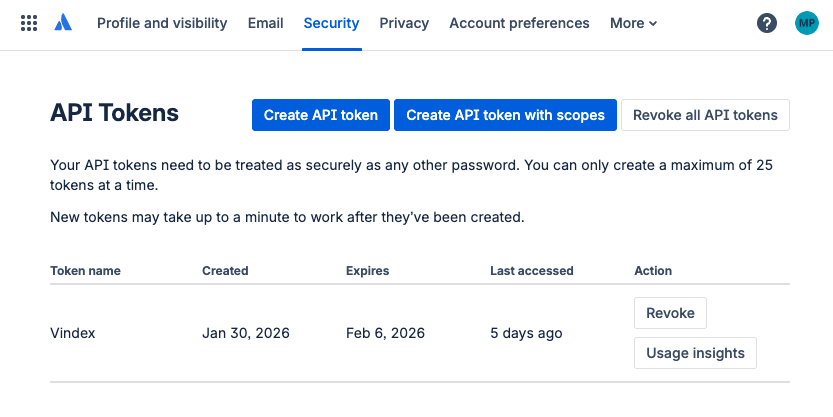

2 Passaggi per l'integrazione di Jira

- Crea Webhook
- Crea token API
Questo è l'intero processo per l'integrazione di Jira. Vedi gli screenshot qui sotto per informazioni più dettagliate. Per un periodo limitato, Auxiliary Digital offre assistenza completa nell'installazione a tutti i clienti.
Creare un webhook per Jira è disponibile per qualsiasi amministratore Jira.
Auxiliary Digital ti fornirà il tuo URL webhook unico. Per esempio. https://edge.vindexgateway.com/api/v1/evaluate/jira?customer_id=acme_corp
Vai a https://{{YOUR CLOUD ID}}.atlassian.net/plugins/servlet/webhooks#
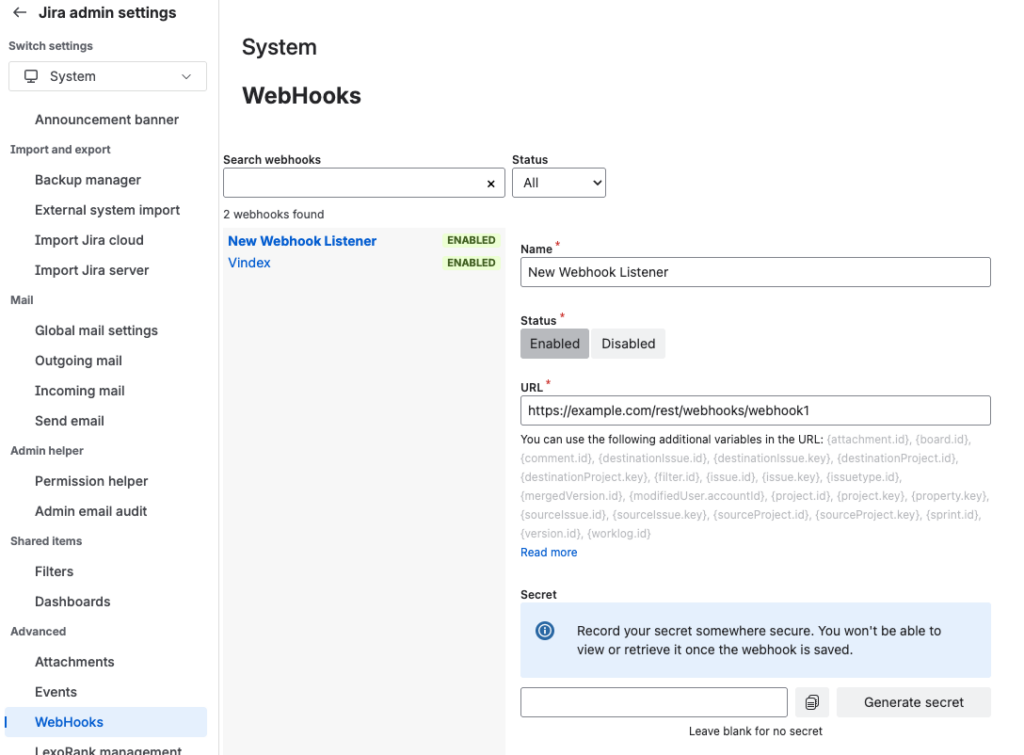
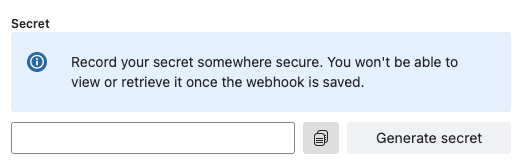
Crea un Segreto per il Webhook.
Dovrai fornire questo a Auxiliary Digital per garantire una connessione sicura
Sotto le voci "Creato" e "Aggiornato". Questo invierà tutte le questioni a Vindex per la valutazione.
Per il controllo personalizzato, aggiungi una JQL per limitare i tipi di progetti o programmi che desideri abbiano un punteggio Vindex.
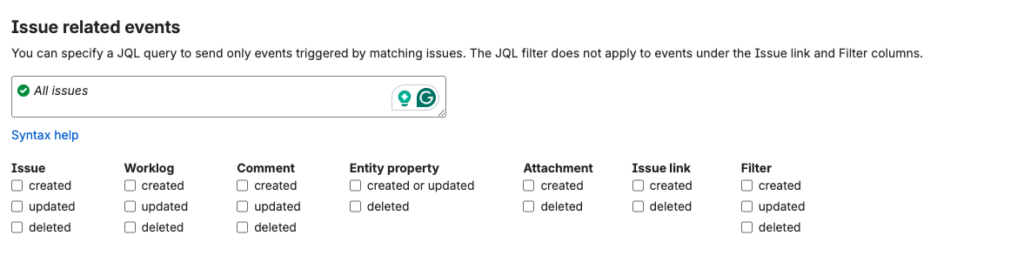
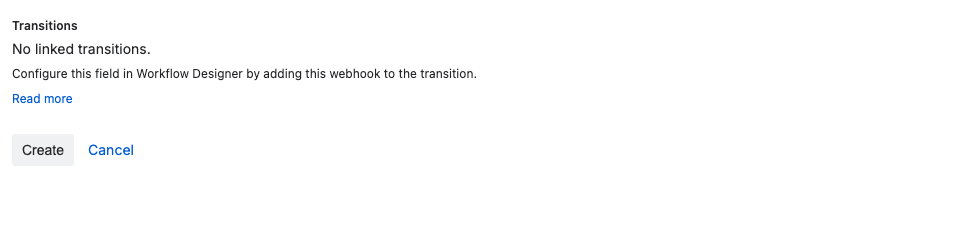
No other settings need to be configured. Hit “Create” to enable the webhook
Navigate to https://id.atlassian.com/manage-profile/security/api-tokens and create a token that has Jira Scopes.
Dovrai fornire questo token ad Auxiliary Digital in modo che Vindex possa aggiungere commenti ai ticket Jira valutati